Smart subscribers can now pay with Apple Pay. Smart Communications has switched on Apple Pay for prepaid load purchases and postpaid bill payments, making the telco one of the first Philippine companies to accept it since the service went live in the country. The rollout began on August 4 and covers Smart Stores nationwide plus the Smart Online Store.
Smart's announcement confirms the coverage: Smart Prepaid and TNT users can buy load with Apple Pay, while Smart Postpaid and Smart Infinity customers can settle their monthly bills with it. Payments work from an iPhone, Apple Watch, iPad, Mac, or Apple Vision Pro.
“Smart has always been at the forefront of bringing world-class innovations to Filipinos, and we’re proud to be among the first to welcome Apple Pay here,” said Lloyd R. Manaloto, first vice president and co-officer-in-charge at Smart.
How to set it up
If you have not used Apple Pay yet, setup takes a few minutes:
- Open the Wallet app on your iPhone.
- Tap the + icon and add a supported credit or debit card from your bank.
- Wait for your bank to verify the card.
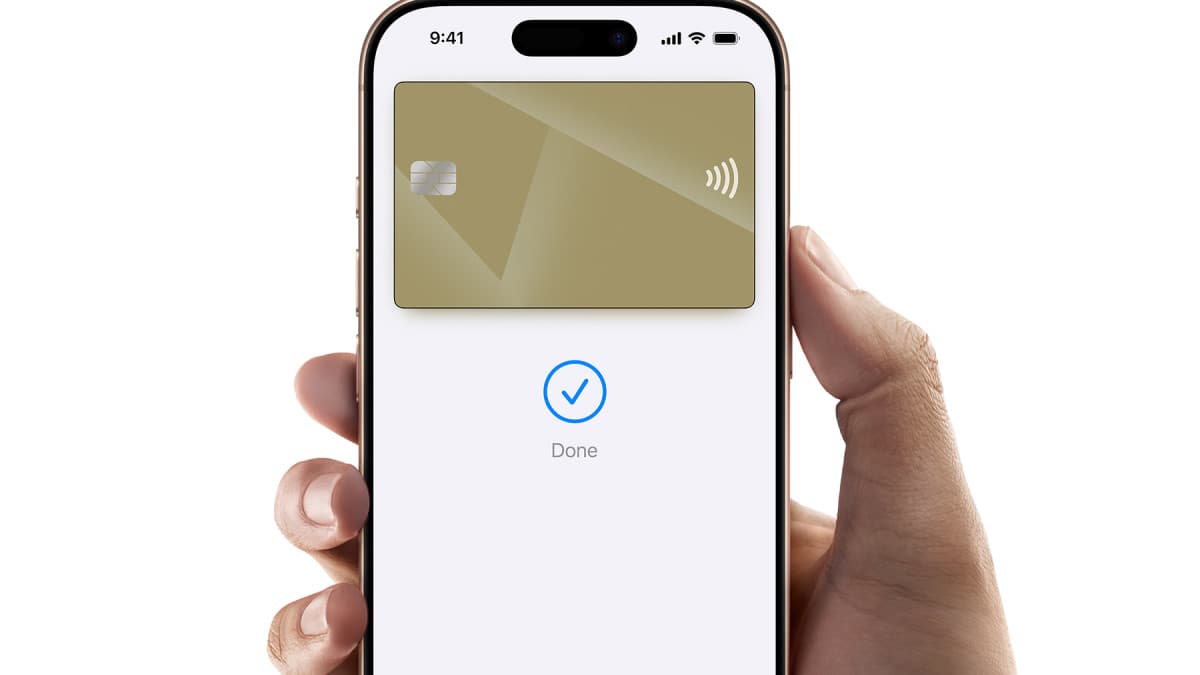
- At a Smart Store, hold your device near the payment terminal and confirm with Face ID, Touch ID, or your passcode. On the Smart Online Store, choose Apple Pay at checkout.
Apple Pay does not store your actual card number on the device or on Apple's servers, and the number is never shared with the merchant — each payment uses a device-specific code confirmed by your biometrics. That makes it harder for a compromised terminal or website to leak your card details. The same protection applies whether you pay at a physical Smart Store terminal or check out online.
Why this matters for Filipino iPhone users
Apple Pay only went live in the Philippines this month, and the early value of any payment method depends on where you can actually use it. A telco is a high-frequency use case: load top-ups and monthly bills are among the most repeated payments a Filipino household makes. Smart moving this fast — the rollout started the same week Apple Pay launched — gives the service a practical, recurring anchor beyond coffee shops and department stores. It also signals how quickly local merchants are lining up behind the platform: Smart describes itself as one of the first Philippine companies to accept it, and more consumer-facing brands are expected to follow as banks widen card support.
There are limits to note. The payment still needs a supported card from a participating bank enrolled in Apple Wallet, so prepaid users without a card cannot use it, and Smart has positioned this alongside — not in place of — existing payment channels like GigaPay and over-the-counter payments. Smart says more details are available on its Apple Pay page at smart.com.ph/applepay.
FAQ
Can TNT prepaid users pay with Apple Pay?
Yes. Smart's announcement covers Smart Prepaid and TNT for load purchases, and Smart Postpaid and Smart Infinity for bill payments.
Do I need a credit card to use it?
You need an eligible credit or debit card from a supported bank added to Apple Wallet. The card is what actually gets charged — Apple Pay is the secure layer in front of it, not a wallet balance of its own.
Where does it work?
At all Smart Stores nationwide and on the Smart Online Store at store.smart.com.ph. The rollout has been live since August 4.